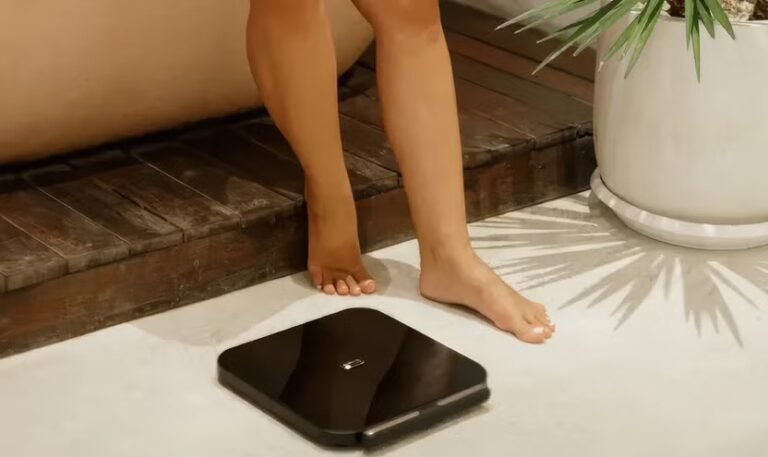
The Hume Body Pod uses multi-frequency bioelectrical impedance analysis (BIA) to measure body composition. When you step onto the platform and hold the built-in handle sensors, the device sends safe electrical signals through different parts of the body. The system analyzes how those signals travel through body water, muscle, fat, and other tissues to generate a detailed body-composition profile.
Unlike a traditional scale that primarily reports body weight, the Hume Body Pod is designed to provide a broader view of your body composition, including body fat, muscle mass, visceral fat, metabolic age, body water, and other health metrics. The measurements are automatically synced with the Hume Health app through Bluetooth.
How to Use Hume Body Pod
Step 1: Download the Hume Health App
Download the Hume Health app and create or sign in to your Hume account. Turn on Bluetooth on your smartphone so the Body Pod can connect and sync your measurements.
Step 2: Place the Body Pod on a Suitable Surface
Position the Hume Body Pod on a stable, level surface. Make sure the platform is clean and ready for a barefoot measurement.
Step 3: Step Onto the Platform
Step onto the scale barefoot and stand still with your feet positioned correctly on the platform. The device’s weight sensors begin collecting your measurements.
Step 4: Hold the Sensors
Extend and hold the integrated handle sensors as instructed. The Body Pod uses its multi-point electrode system to collect measurements from the torso, arms, and legs for a more comprehensive body-composition analysis.
Step 5: Stay Still During the Scan
Remain still while the Body Pod completes the scan. Depending on the version and measurement mode, the full-body measurement is designed to be completed quickly, with the official product page describing scans in under 60 seconds.
Step 6: Review Your Results
Once the measurement is complete, your results can sync with the Hume Health app. You can review metrics such as body fat, muscle mass, visceral fat, body water, metabolic age, and other measurements and track changes over time.
Tips for Best Performance
- Use the Hume Body Pod on a stable, level surface.
- Take measurements under similar conditions when tracking changes over time.
- Stand barefoot on the measurement platform.
- Hold the sensors correctly during a full-body scan.
- Remain still until the measurement is complete.
- Keep the device and contact surfaces clean and dry.
- Make sure Bluetooth is enabled when syncing measurements.
- Use the same Hume account consistently so your progress is recorded correctly.
- Focus on trends over time rather than a single measurement.
- Follow the Hume Health app’s instructions for interpreting your measurements.